
A clinician asks for an old result
Open the person's record and search the archive instead of scrolling through months of photos.
Keep results, reports, prescriptions, visits and reminders in one private place — with a separate record for every person you care for.
One email at launch. Nothing else.
This is not medical advice — consult a healthcare professional. Lumy Health organizes your documents and dates; it does not interpret them.
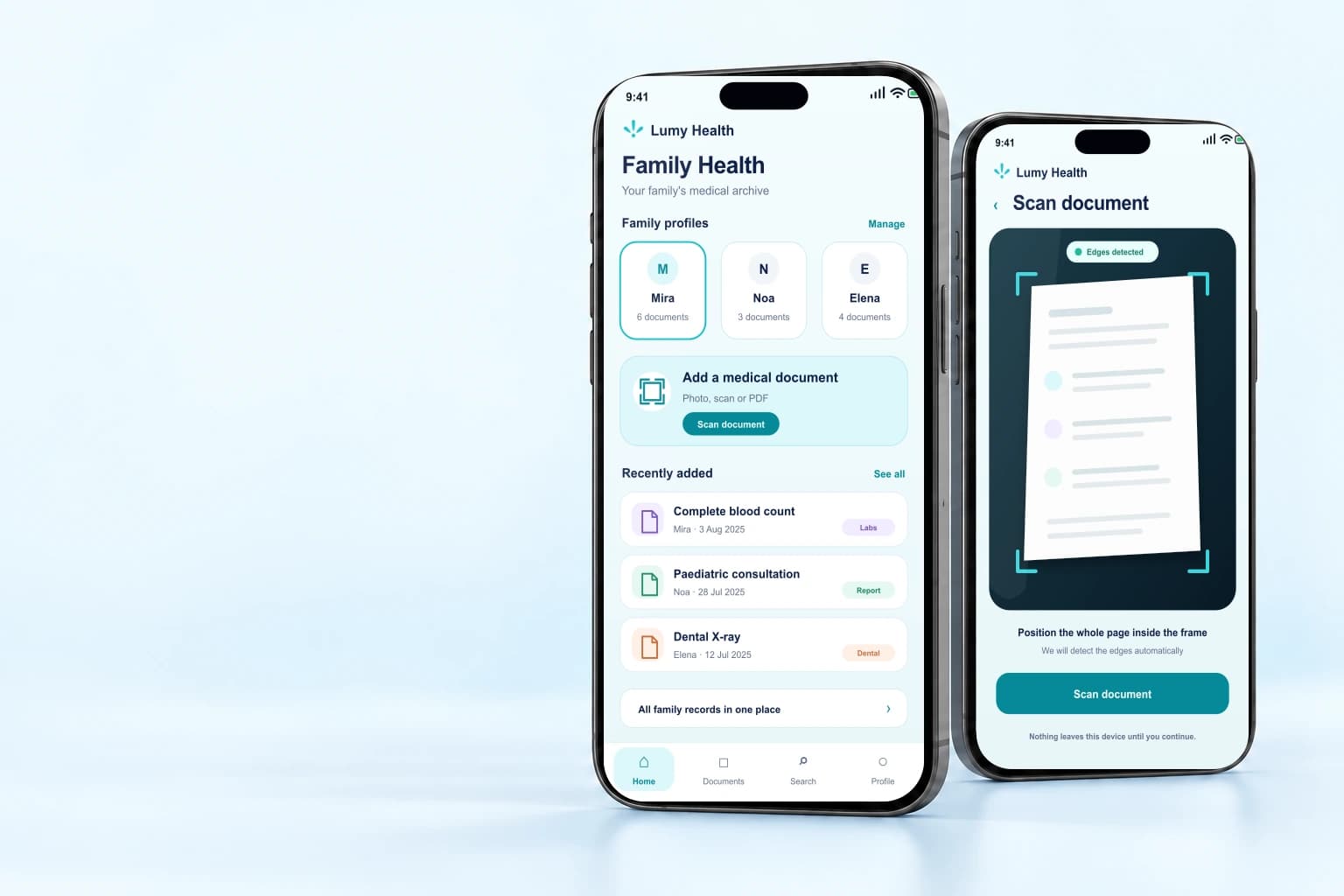
When health paperwork gets scattered
In a photo gallery, a chat, a paper folder — or with another family member. Lumy Health gives it one predictable home.
Open the person's record and search the archive instead of scrolling through months of photos.
Keep a child's or parent's documents separate without maintaining another pile of folders.
Save the visit or medication and choose the reminder time yourself.
Built for real routines
Start with one document or create separate histories for the people you care for.
For yourself
Add what you already have, check where it belongs, and find it again before a visit — without rebuilding your archive from scratch.

For your family
Create a clear record for a child, parent or partner, then keep their documents, visits, medications and follow-ups together.

Inside Lumy Health
Built around the moments when you need to add something quickly, check it, and find it again later.
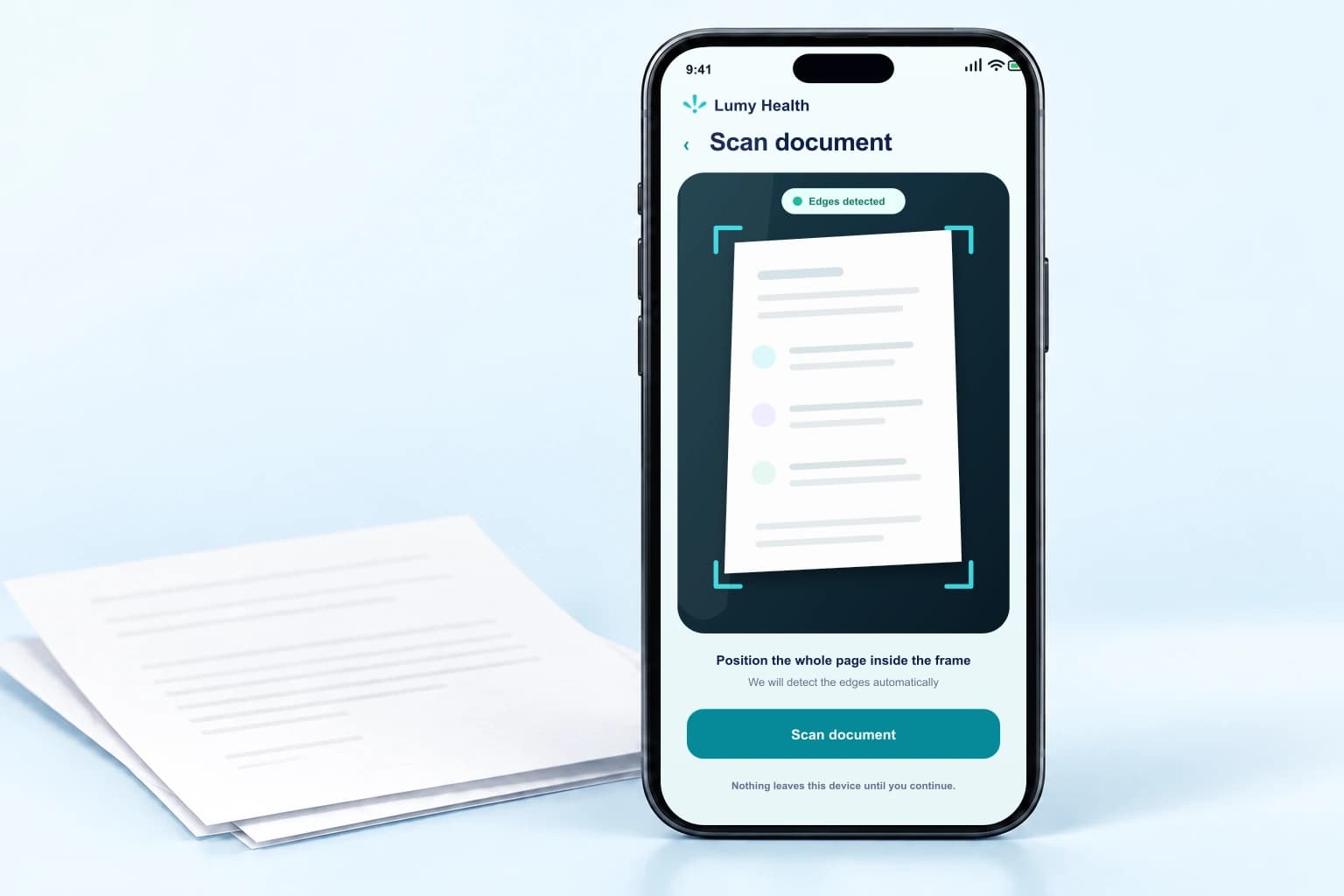
Photograph a paper document, scan several pages, or choose existing images and PDFs. You can add first and organize afterward.
Review the person, category and details found in the document. The original stays available beside the information you save.
Find a document by its name, clinic, category or saved text, and pin the records you reach for most often.
Follow a family member's timeline, visits, medications and follow-ups, with reminder times chosen by you.
Take a photo, scan several pages, or choose an image or PDF already on your device.
Check the details found in the document, choose whose record it is, and pick a category.
Search your archive by name, clinic or the text inside a document.
Your health. Your data. Your control.
One email, when it is ready. Nothing else.
This is not medical advice — consult a healthcare professional.
No. Lumy Health stores and organizes your documents and dates. It does not interpret results, suggest a diagnosis, or advise on treatment. For anything about your health, speak to a healthcare professional.
Only you, and anyone you explicitly choose to share with. You can withdraw that access at any time.
We are building it now. Join the waitlist and we will email you once — when it is ready.
We keep it to tell you about the launch, and for nothing else. You can ask us to delete it at any time. See our privacy policy.
Photograph a paper document, scan several pages, or choose an existing image or PDF. Before saving, you review whose record it belongs to, its category, and the details found in it.